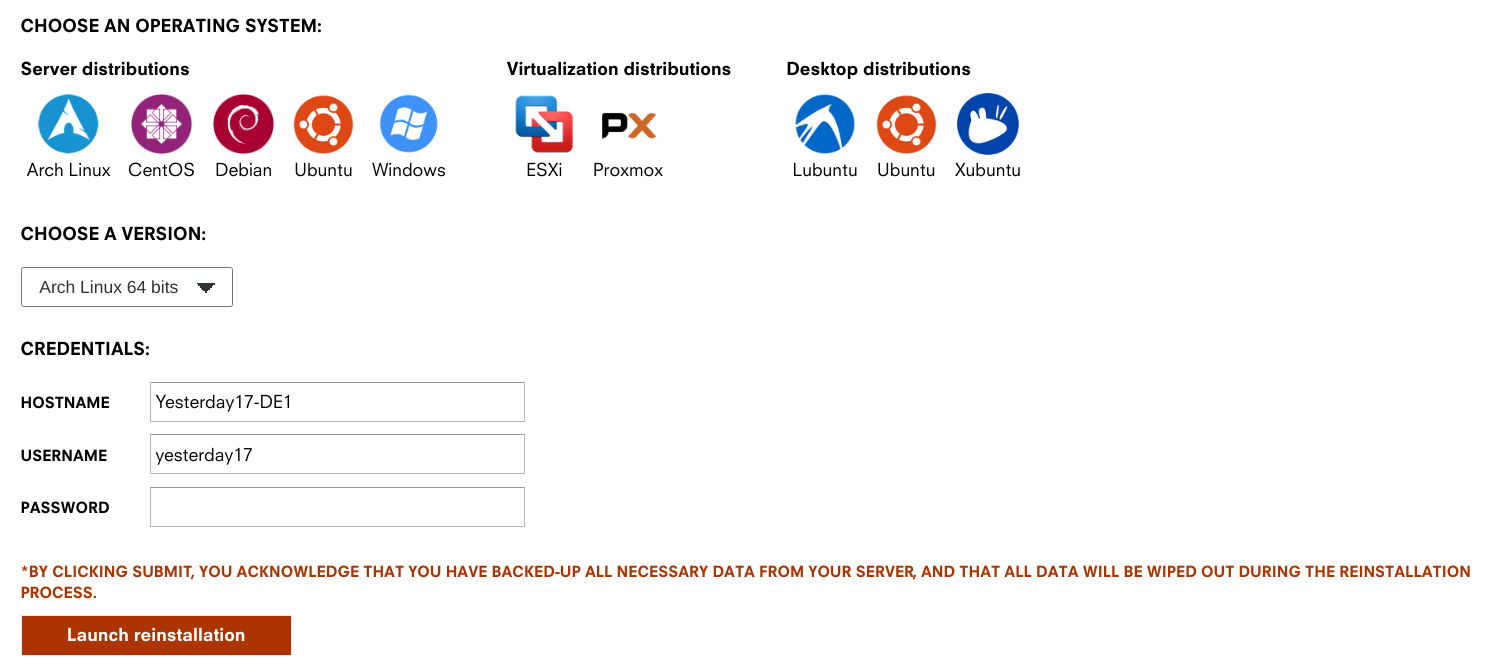
入站半年感觉慢慢攒上传还是太累了,于是最终还是摸了个盒子。因为是简单摸一下,我就不用一键脚本了。为了装起来方便,系统选的直接就是 ArchLinux。
这篇文章源起于几个月前,现在已经开始吃灰了,所以赶在不续费之前摸完这篇(
设置系统语言
https://wiki.archlinux.org/index.php/Locale_(%E7%AE%80%E4%BD%93%E4%B8%AD%E6%96%87)
首先是修改 /etc/locale.gen,将 zh_CN.UTF-8 UTF-8 前面的注释去掉,然后生成 locale:
sudo locale-gen最后设置系统 locale:
sudo localectl set-locale LANG=zh_CN.UTF-8下一次 ssh 登录就可以正常显示中文了。
调整分区保留大小
# 调整为 1%sudo tune2fs -m 1 /dev/sda3调整系统时间
sudo timedatectl set-timezone Asia/Shanghai延长 sshd 超时
https://www.simplified.guide/ssh/disable-timeout
修改 /etc/ssh/sshd_config:
TCPKeepAlive noClientAliveInterval 30ClientAliveCountMax 240开启 bbr
https://bbs.archlinux.org/viewtopic.php?id=223879
# Load the BBR kernel module.echo "tcp_bbr" > /etc/modules-load.d/modules.conf
# Set the default congestion algorithm to BBR.echo "net.core.default_qdisc=fq" > /etc/sysctl.d/bbr.confecho "net.ipv4.tcp_congestion_control=bbr" >> /etc/sysctl.d/bbr.confNginx
# 安装 nginx# 不使用 mainline 是为了升级模块方便sudo pacman -S nginx
# 站点目录sudo mkdir /etc/nginx/conf.d然后创建第一个网站:
server { listen 443 ssl http2;
server_name torrent.mmf.moe; ssl_certificate ssl/mmf.moe.pem; ssl_certificate_key ssl/mmf.moe.key;
root /usr/share/nginx/html; include site-torrent/*;}这里我们使用的证书是 Cloudflare 的源证书,相当于只有 Cloudflare 自签的证书,仅在 Cloudflare 到服务器可用,一次可以签 15 年。
qBittorrent
sudo pacman -S qbittorrent-nox然后写入网站配置:
location /qbt/ { proxy_pass http://127.0.0.1:18080/; proxy_http_version 1.1; proxy_set_header X-Forwarded-Host \$server_name:\$server_port;
http2_push_preload on;
proxy_hide_header Referer; proxy_hide_header Origin; proxy_set_header Referer ''; proxy_set_header Origin '';
add_header X-Frame-Options "SAMEORIGIN";}最后启动,注意 @ 后面的是你的用户名:
sudo systemctl start qbittorrent-nox@mmfmoesudo systemctl enable qbittorrent-nox@mmfmoeFlexGet
FlexGet 的用途主要是配合脚本,只下载 Free 的种子。首先是安装:
# 安装 Python 3sudo pacman -S python
# 初始化 venvpython -m venv ~/flexget/
# 安装 FlexGetcd ~/flexget/bin/pip install flexget
# 创建插件目录mkdir -p ~/.flexget/plugins
# 下载 NexusPHP 插件curl https://raw.githubusercontent.com/Juszoe/flexget-nexusphp/master/nexusphp.py > ~/.flexget/plugins/nexusphp.py
# 创建用于存放种子的目录mkdir ~/flexget/torrents
# 测试~/flexget/bin/flexget --version然后是配置:
web_server: bind: 127.0.0.1 port: 3539 web_ui: yes base_url: /flexget
tasks: u2_free: rss: url: "这里填写你的 RSS 链接" other_fields: [link] nexusphp: cookie: "这里填写你的 Cookie" discount: - free - 2xfree seeders: min: 0 max: 5 hr: no remember: no download: ~/flexget/torrents/
schedules: - tasks: "u2_free" interval: minutes: 15接下来是 Nginx 的配置:
location /flexget/ { proxy_pass http://127.0.0.1:3539/flexget/; proxy_http_version 1.1; proxy_set_header X-Forwarded-Host \$server_name:\$server_port;
http2_push_preload on;
proxy_hide_header Referer; proxy_hide_header Origin; proxy_set_header Referer ''; proxy_set_header Origin '';
add_header X-Frame-Options "SAMEORIGIN";}最后启动:
flexget daemon start --daemonizerclone
总结
至此,需要的软件基本都有了,也就可以正常工作Google Drive,但一直偷懒没写自动脚本,就手动来了。
Arch 配置起来确实省心,哪天我又要弄盒子的时候照着这篇重开一遍就行了((